


To create digital tickets for an event, set up your event and ticket types in a ticketing system, give every ticket a unique barcode, QR code or NFC credential, then deliver it by email, SMS or an Add to Apple Wallet / Google Wallet button. On the day, staff scan each ticket once at the gate, and you use the attendee data to follow up after the event.
Step 1: Choose your digital ticket format
The three common formats are a PDF or email ticket, an event app ticket, and an Apple Wallet or Google Wallet pass. Most organisers now offer a wallet pass alongside email, because it works offline with no app download.
| PDF / email | Event app | Wallet pass | |
|---|---|---|---|
| App download needed | No | Yes | No |
| Can be updated after sending | No | Yes | Yes |
| Screenshot risk | High | Lower | Lower with NFC or rotating barcodes |
| Typical cost | Low | High to build | Platform subscription |
PDFs suit a small free event. For paid entry, a wallet pass is the better default. Our guide to mobile wallet event tickets for Apple Wallet and Google Wallet covers why.
Step 2: Decide what sells the ticket and what delivers it
Your ticketing system handles the sale, and a wallet pass platform handles delivery to the attendee’s phone. In Australia, the sale usually happens in Ticketek, Ticketmaster (often running on Archtics for clubs and stadiums), Eventbrite or Humanitix. The wallet platform turns each ticket record into a pass you can update and scan.
Step 3: Set up your ticket types and tiers
Set up ticket types before you design anything, because each tier needs different details on the pass. Common types are general admission, reserved seating, VIP, multi-day passes and season tickets. Apple supports multi-day events on one pass (Apple Developer), and Google Wallet can group several tickets from one order (Google Wallet: Event tickets).
Step 4: Design the ticket
A ticket needs the event name, date, start time, venue, gate, seat if reserved, ticket type, a unique code or NFC credential, and terms. Keep gate essentials on the front and terms on the back.
iOS 26 adds a richer “poster event ticket”, but Apple states these “aren’t compatible with tickets that require a QR code or barcode for entry” (Apple Developer). If your gates scan QR codes, use the standard event ticket layout.
Step 5: Generate unique codes and protect against fraud
Give every ticket a unique code and accept each code once. That stops most screenshot fraud.
A PayPal Australia survey run by Pureprofile found one in five Australians had been scammed buying tickets online, losing $432 on average per incident (Pureprofile, December 2025). For high-demand events, add rotating barcodes, which Google Wallet changes “typically every minute” (Google Wallet: Rotating barcodes), or NFC tap-to-enter, which cannot be screenshotted.
Step 6: Distribute tickets to attendees
Send the ticket by the channel attendees already use, with a clear Add to Wallet button. A confirmation email plus an SMS link works best.
Send early. Melbourne Storm saw 75% of its 30,000+ wallet pass downloads within 72 hours of launch (Melbourne Storm case study). Issuing commercial Apple Wallet passes requires an Apple Developer Account (USD$99 a year), which a platform typically handles.
Step 7: Set up check-in and scanning at the gate
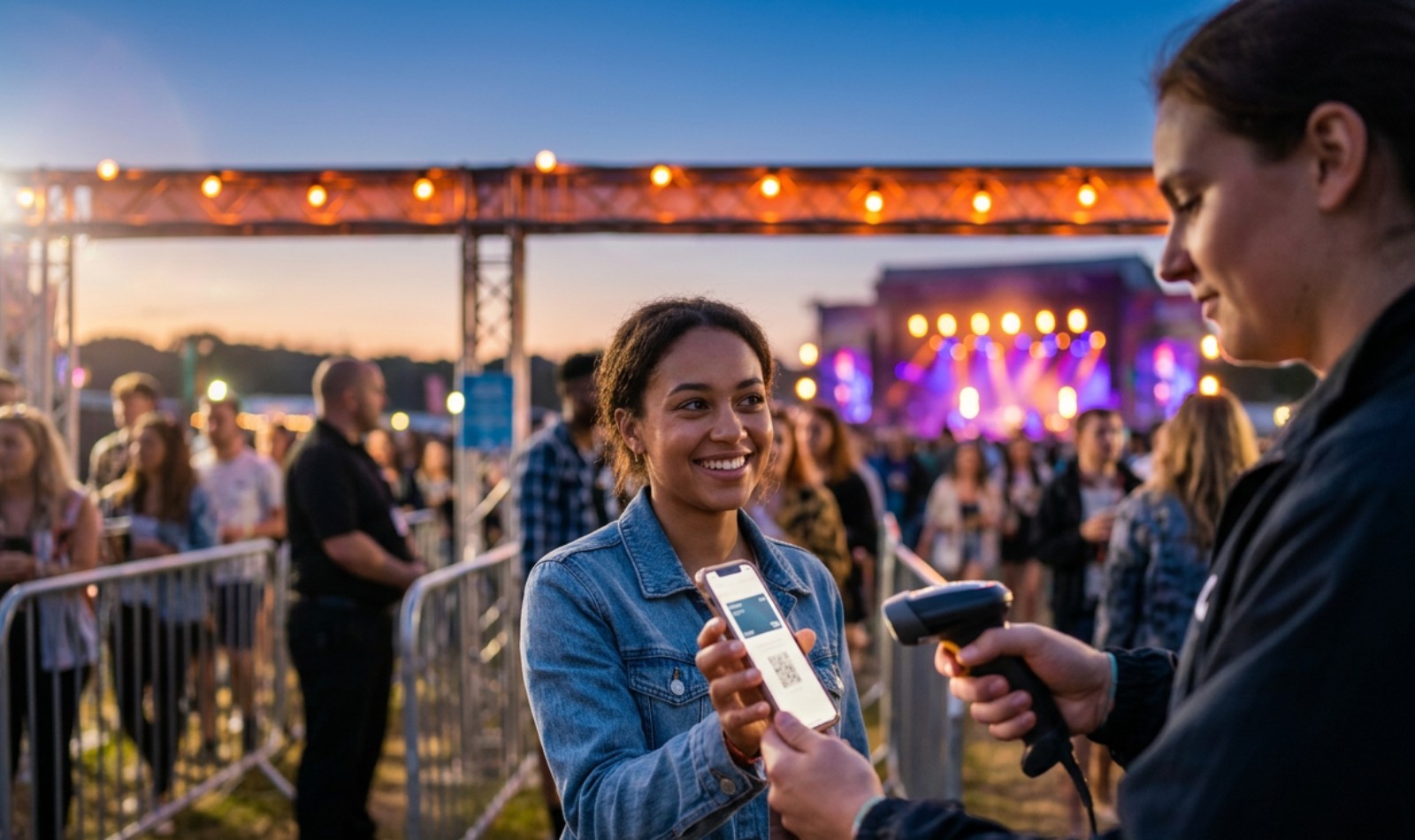
Gate scanning needs scanners that read your code format or NFC, a live connection or offline fallback, and staff who have practised. Run test tickets through every gate the day before and set up a manual lookup by name or order number.
After moving 20,000+ members to digital passes, Sporting Club of Sydney recorded a 30% increase in card scanning at its gates (Sporting Club of Sydney case study).
Step 8: Send pre-event updates and push notifications
Wallet passes can be updated after issue, so a change of gate, start time or venue appears on the attendee’s existing ticket. A push notification then alerts them without an app or email. Keep messages short and infrequent. See our guide to push notifications for mobile wallets.
Step 9: Keep engaging after the event and measure results
A digital ticket does not have to expire when the event ends. Update the pass with a thank-you or an early-bird voucher for next year, and track wallet add rate, scan rate by gate and rejected scans.
How Litecard helps event organisers
Litecard is an Australian platform that turns tickets and memberships into Apple Wallet and Google Wallet passes. It sits alongside your ticketing system, so you keep Ticketek, Ticketmaster or your existing provider for sales and use Litecard for the pass, updates and follow-up. It integrates with Archtics, Salesforce, HubSpot, Klaviyo, Zapier and a REST API, with unlimited push notifications within your plan and no per-pass fees. See our events industry page, or book a demo to talk through your next event.
Frequently asked questions
How do I make digital tickets for my event for free?
Free ticketing platforms such as Eventbrite and Humanitix issue PDF or email tickets with a unique QR code for free events, and charge fees on paid tickets. For branded, updatable Apple Wallet and Google Wallet passes, you will need a wallet pass platform and, for Apple, a paid developer account.
Can I put my event tickets in Apple Wallet and Google Wallet?
Yes. Apple Wallet uses the eventTicket pass style and Google Wallet has a dedicated event ticket pass type. Attendees add the pass from a button in an email, SMS or web page, with no app download. Organisers need an Apple Developer Account (USD$99 a year), which a platform usually manages.
How do I stop people screenshotting or copying digital tickets?
Give every ticket a unique code and configure scanners to accept each code only once, so a copied screenshot is rejected after the first scan. For high-demand events, use rotating barcodes, which Google Wallet refreshes about every minute, or NFC tap-to-enter credentials, which cannot be screenshotted.
Do digital tickets work without the internet at the venue?
Wallet passes are stored on the phone, so attendees can open them without mobile data. The risk sits with scanners that validate codes against a live database. Ask your provider howscanners behave offline, use cached ticket lists, and set up a manual lookup by name or order number.


