

One of the most common questions Android users ask is whether Google Pay or Samsung Pay is safer. We’ve previously covered the general differences between Google Wallet and Samsung Pay, but security deserves its own deep dive.
Here’s a straightforward comparison of how each platform protects your money and your data.
How Google Pay Keeps You Safe
- Tokenisation. When you add a card, Google Pay creates a virtual account number (a token) instead of storing your actual card details. Merchants never see your real card number.
- Device lock required. You need to unlock your phone with a PIN, fingerprint, or face recognition before making a payment. No unlock, no transaction.
- Encryption. All data is encrypted both on your device and during transmission. Even if someone intercepted the data, it would be unreadable.
- Remote wipe. If you lose your phone, you can remotely lock or erase it through Find My Device, which also disables Google Pay.
How Samsung Pay Keeps You Safe
- Tokenisation. Same as Google Pay. Samsung Pay uses tokens so your real card number is never shared with merchants.
- Samsung Knox. This is Samsung’s built-in security platform. It runs at the hardware level, isolating payment data in a secure environment that’s separate from the rest of your phone.
- Biometric authentication. Supports fingerprint, iris scan, and facial recognition depending on your device.
- MST technology. Samsung Pay can work with older card terminals that don’t support NFC contactless payments. While this is more about compatibility than security, it uses the same tokenised approach.
The Key Difference: Samsung Knox
Both platforms use tokenisation and encryption. The main difference is Samsung Knox, which adds a hardware-level security layer. Payment data on a Samsung device is stored in a separate secure zone that’s extremely difficult to access, even if the phone’s main operating system is compromised.
Google Pay relies on software-based security, which is still very strong. But Samsung’s hardware approach adds an extra barrier that security-focused users may prefer.
Which One Should You Use?
Honestly, both are safe for everyday use. The security differences are marginal for most people. Here’s a simple way to decide:
- Use Google Pay if you want an app that works across all Android devices and integrates tightly with Google services.
- Use Samsung Pay if you have a Samsung phone and want the added hardware-level security through Knox.
- Use both if you want. They can run on the same Samsung device without any issues.
What About Loyalty Cards and Wallet Passes?
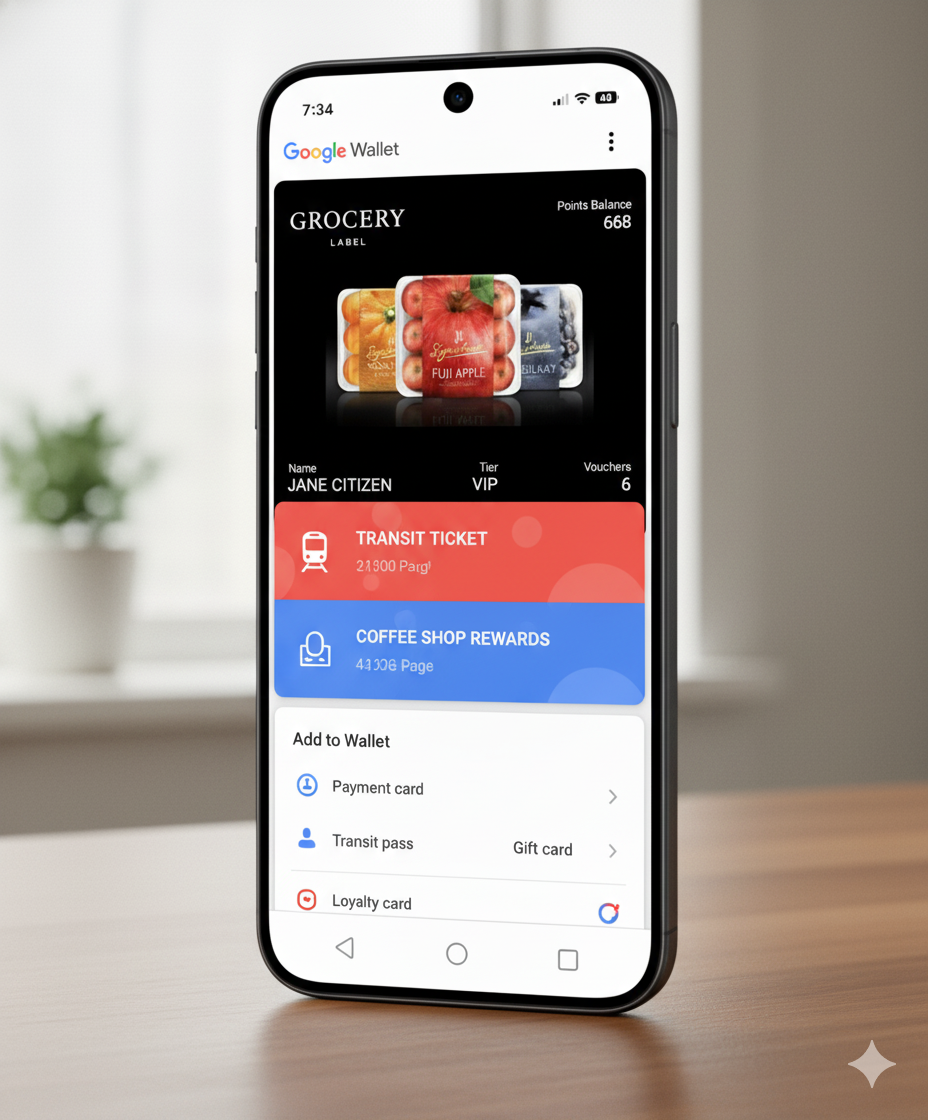
Payment security is important, but your loyalty cards and membership passes also live in your mobile wallet. Read more about mobile wallet security and how your data is protected.
Platforms like Litecard create wallet passes for both Google Wallet and Apple Wallet that are stored on-device and protected by your phone’s security features. Whether you use Google Pay, Samsung Pay, or both, your loyalty data is secure.
Want to offer secure, branded wallet passes to your customers? Try Litecard


